





Launching Soon
Gemini
Claude
OpenAI

Describe a UI.
Get production code.

HTML/CSS·React + Vite·Next.js·Flutter & DartSoon·SwiftUISwiftUISoon
138 designers already on the waitlist

Generated from a single prompt

Each variant has a completely different layout, style & creative direction

Loved by designers & developers
Figma
React
Next.js
Vercel
Tailwind

What you get

Everything prompt-to-production needs

Not just a code generator — a complete AI-powered UI workflow from idea to export.

Multi-Variant Generation

One prompt generates 3–9 completely unique design variants simultaneously. Each is a different creative interpretation.

Generated from a single prompt
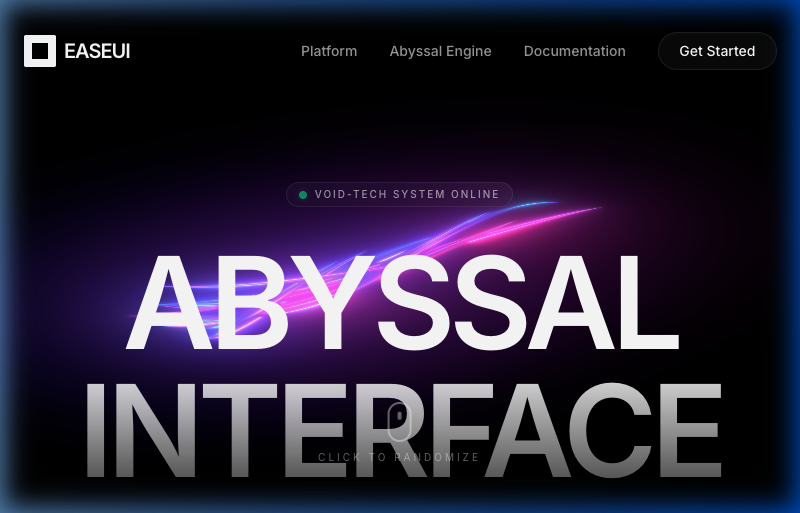
Void-Tech
Void-Tech
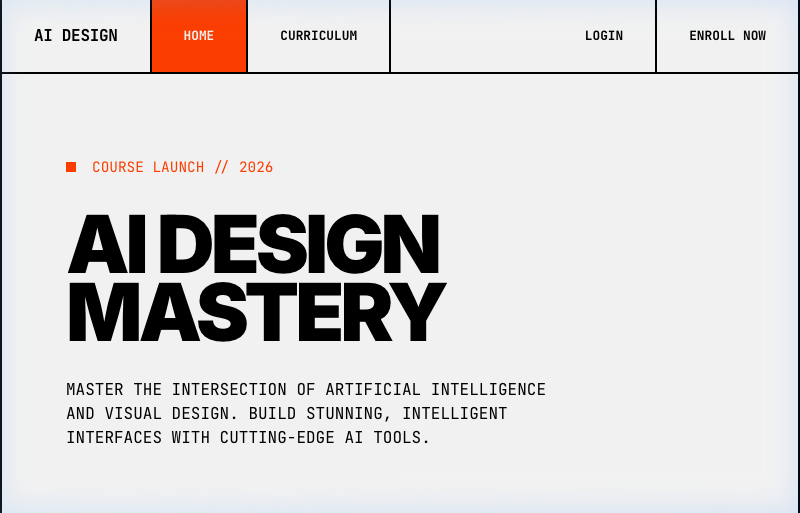
Swiss Brutalist
Swiss Brutalist
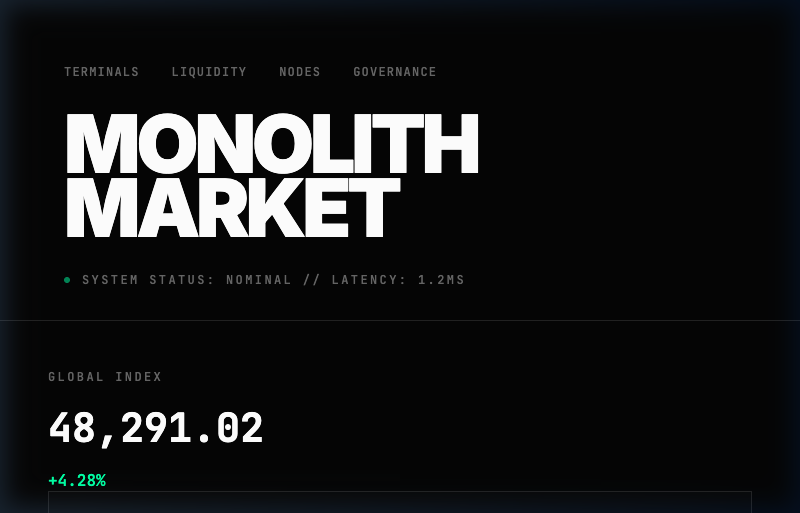
Dark Fintech
Dark Fintech

Figma Import

Paste a Figma URL — get pixel-perfect HTML with exact design tokens.

Design System Extraction

Auto-extract colors, typography, spacing, shadows, and 24 components — ready for Figma or code.

<div class="hero">
<h1 style="font: bold 48px Inter">
Build faster
</h1>
<button class="cta bg-[#3582FF]">
Colors
Type
AaAaAa
Inter · 48/32/16/14
Space
Radius
Button
Card
Input

Properties Inspector

Click any element in the live preview to inspect and edit CSS in real-time — like Figma's inspector.

Button
Properties
radius8px
bg
#3582FF

Chat Refinement

Describe changes in natural language. EaseUI iterates on your design instantly.

Make it dark mode

21 Design Personas

Each style is a physical metaphor — not a template. The Art Director picks personas that match your prompt's function.

Swiss Minimal

Zero Backend

Your API key calls AI providers directly from the browser. No server, no database — data never leaves your machine.

Browser
AI

Token Streaming

Watch your UI materialize token-by-token. Auto-fallback to a backup model if the primary fails — zero intervention.

Clean Export

Download single-file HTML or a ZIP with all variants, design systems, and a README. Zero dependencies.

Export
HTML
HTML
.html·14 KB
ZIP
Bundle
.zip·128 KB
JSON
Tokens
.json·3 KB

Under the hood

Multi-stage prompt architecture

Not a wrapper. A multi-stage AI pipeline that thinks about design before it writes a single line of code.

Stage 1

Your Prompt

Describe what you want in natural language — the AI understands layout, style, and intent.

"

Powered by
Gemini
Claude
OpenAI

The workflow

From idea to production in four steps

EditorSystem
Variants
Landing Page
Curriculum
Lesson Detail
Login
Sign Up
Student Profile
Landing Page
Curriculum
Lesson Detail
Login
Sign Up
Student Profile
Variant
Style
Landing Page
Complete
Generate
Regenerate
Variations
Design System
A Swiss brutalist AI design course platform with bold typography and modular layout...
Desktop
Style
Figma Import

Your Figma designs,
as production HTML

Paste any Figma frame URL. EaseUI fetches the layout tree, extracts exact design tokens, batch-exports up to 20 image assets, and hands it all to your AI model to generate a pixel-perfect HTML reproduction.

  • Screenshot + layout tree — both visual and structural data for maximum fidelity
  • Exact design tokens — colors, fonts, spacing, radii, and shadows
  • Images auto-exported — embedded as data URIs for self-contained HTML
figma.com/design/Xk2m.../Dashboard

Figma Frame

Generated HTML

<header>
<nav class="flex">
</nav>
</header>
<main>
...

Colors

Fonts

Inter · 14/16/24/32

Assets

12 images

Pixel-perfect HTML ready
98% fidelity

Be the first to build UI 10× faster

Join the waitlist and get 50% off at launch.

Read the docs